Work better on your Mac.
Practical answers to Mac problems: the free fix first, then what Toolnotch does about it.
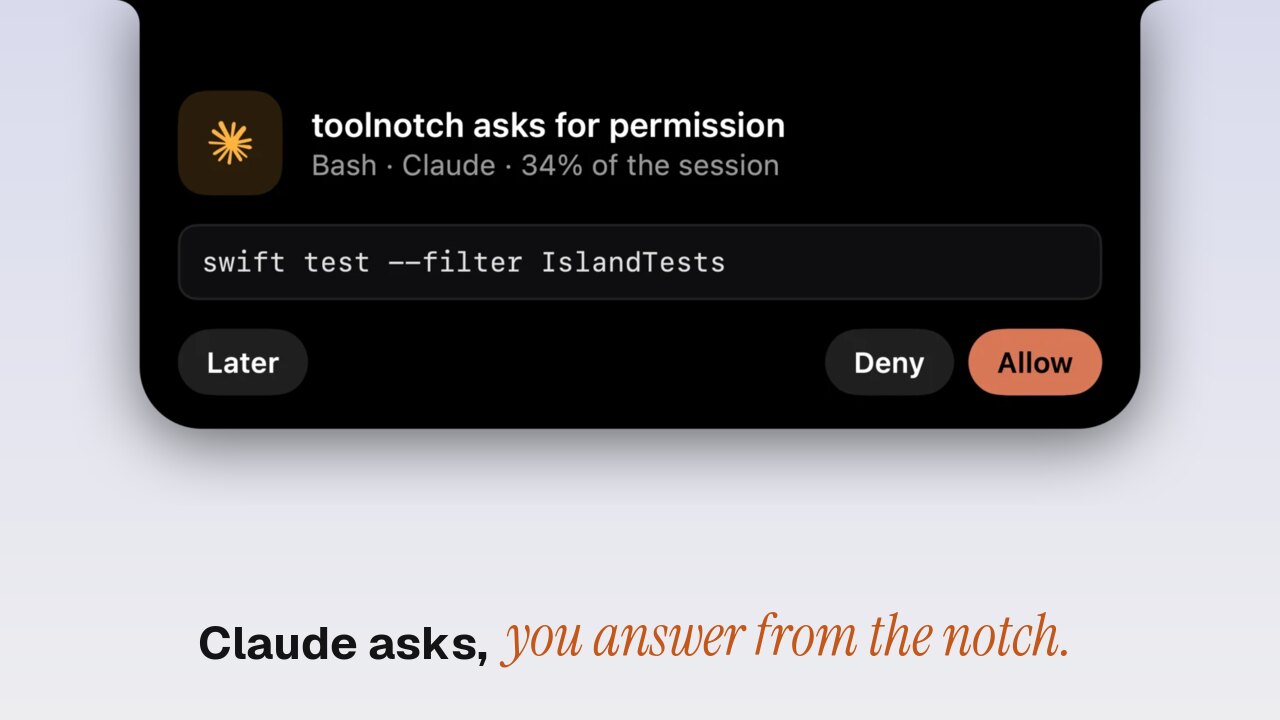
Know when Claude Code or Codex needs you, without watching the terminal
Get told when Claude Code or Codex finishes or asks for permission on a Mac: a free hook with a macOS notification, and Toolnotch, which shows the agent in the notch and lets you allow or deny from there.
Read →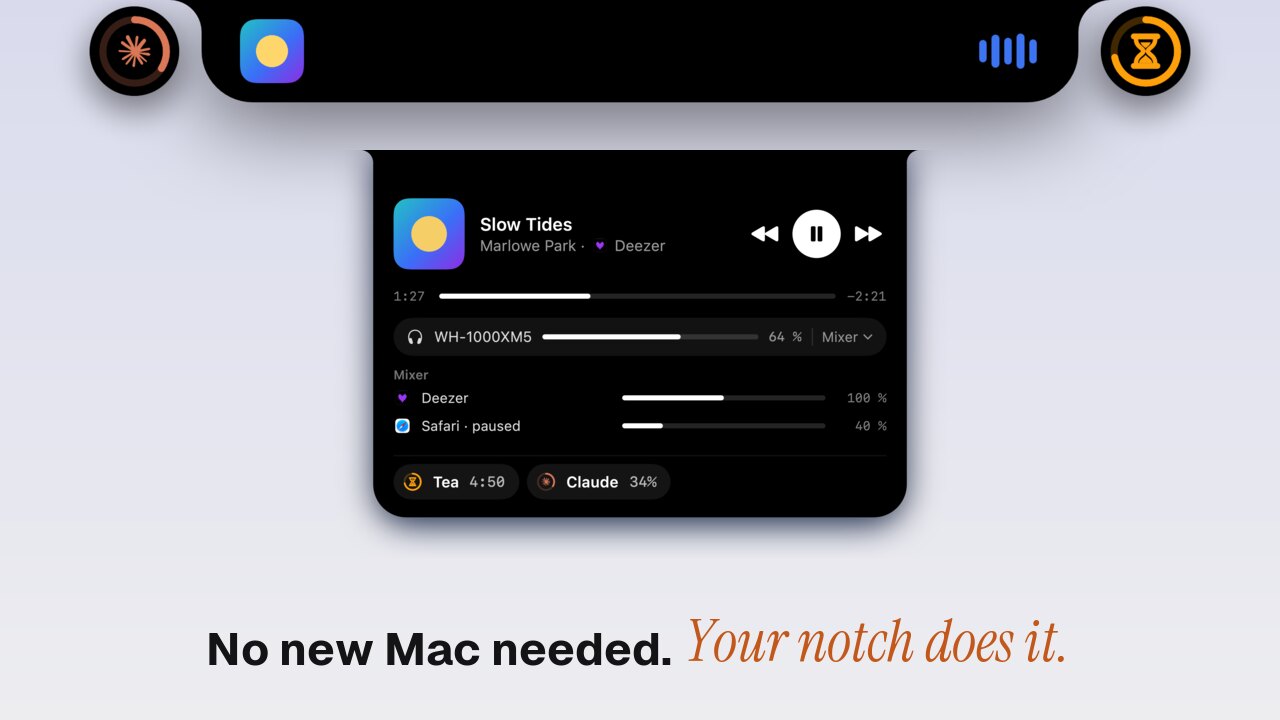
You don't need a $2,899 MacBook Pro to get a Dynamic Island on your Mac
Apple's new OLED MacBook Pro brings the Dynamic Island to the Mac from $2,899. What it does, what macOS 27.3 may bring to other Macs, and how to get a live island on the Mac you already own.
Read →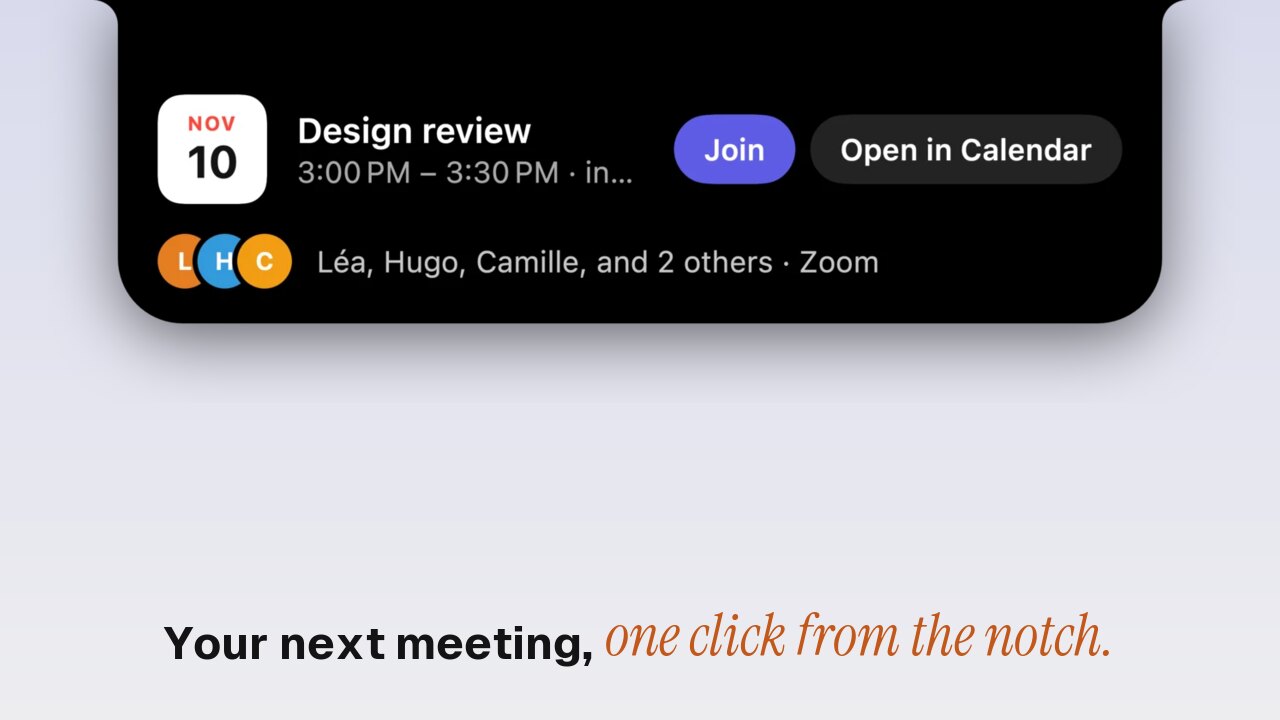
Join meetings on time and mute from anywhere on your Mac
Never miss the start of a call or hunt for the mute button: the shortcuts Zoom, Teams and Meet have, and your next meeting and call controls in the MacBook notch with Toolnotch.
Read →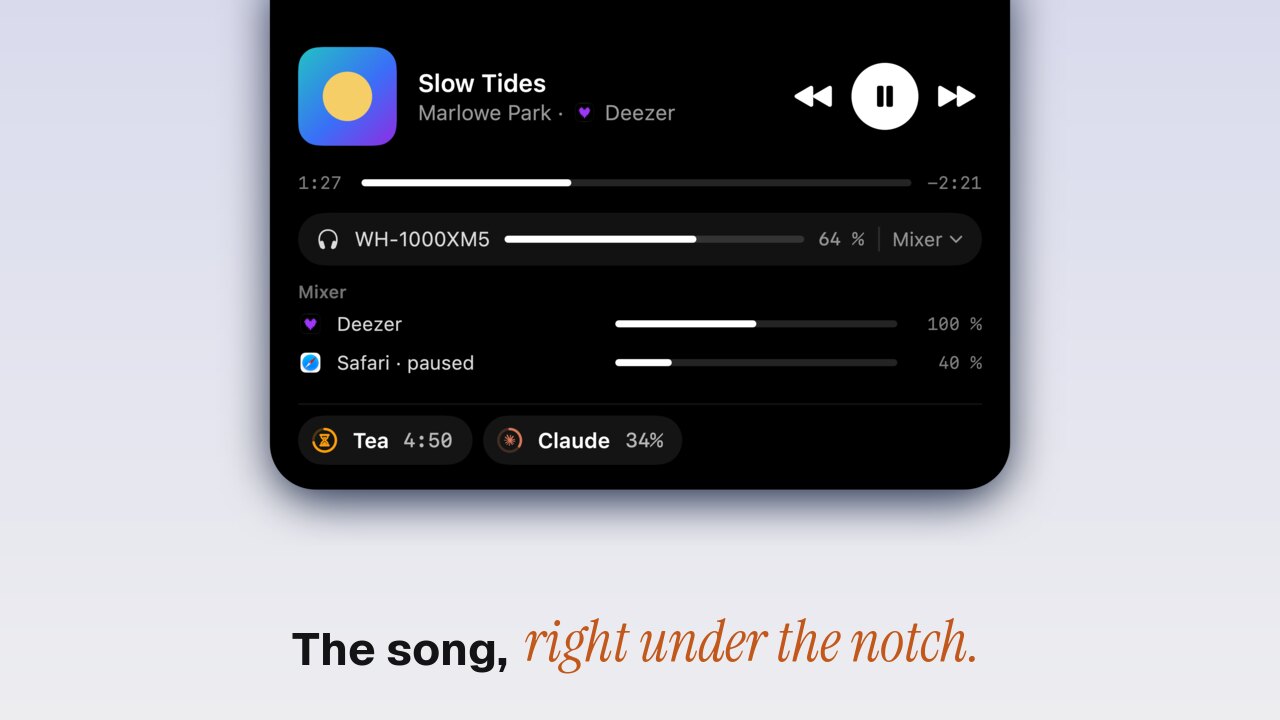
Control Spotify and Apple Music from your MacBook's notch
Play, pause, skip and change the volume of whatever plays on your Mac without opening the app: macOS's Now Playing, the media keys, and the song in the notch with Toolnotch.
Read →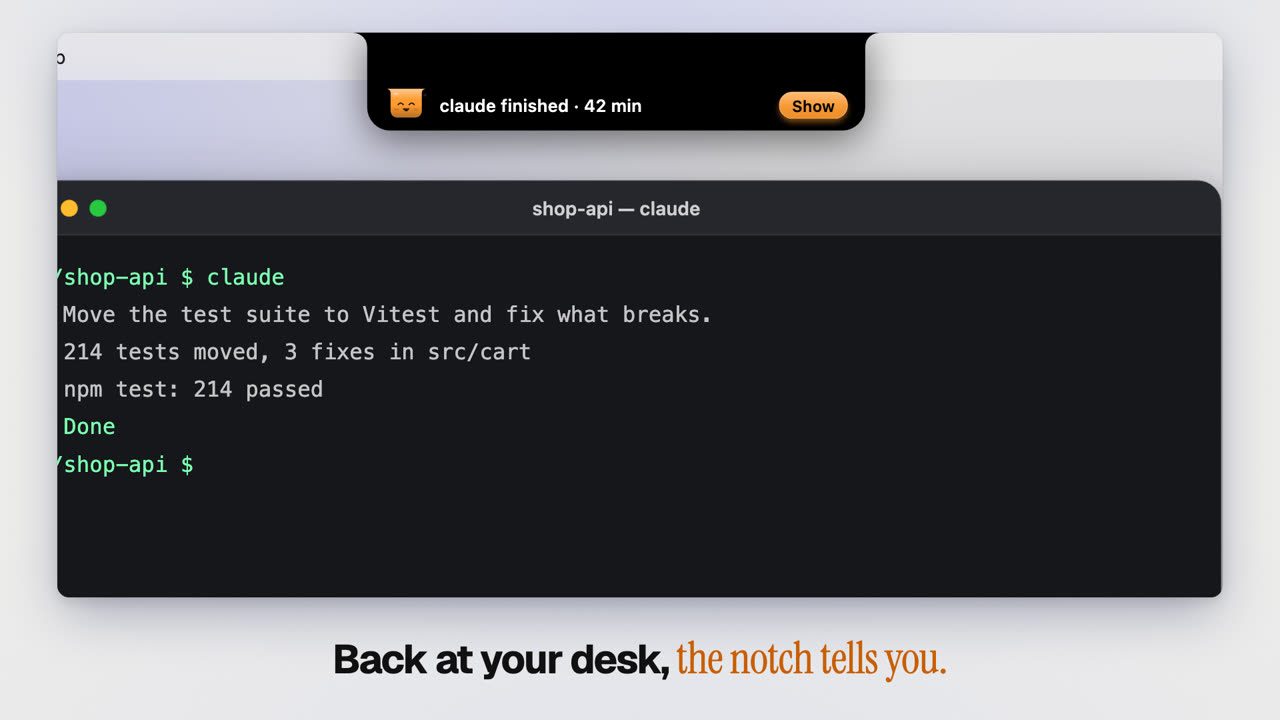
Keep your Mac awake while a script, build or AI agent runs
Stop a Mac from sleeping halfway through a long terminal job: caffeinate for one command, Amphetamine's triggers, and Staywake, which follows terminal jobs by itself.
Read →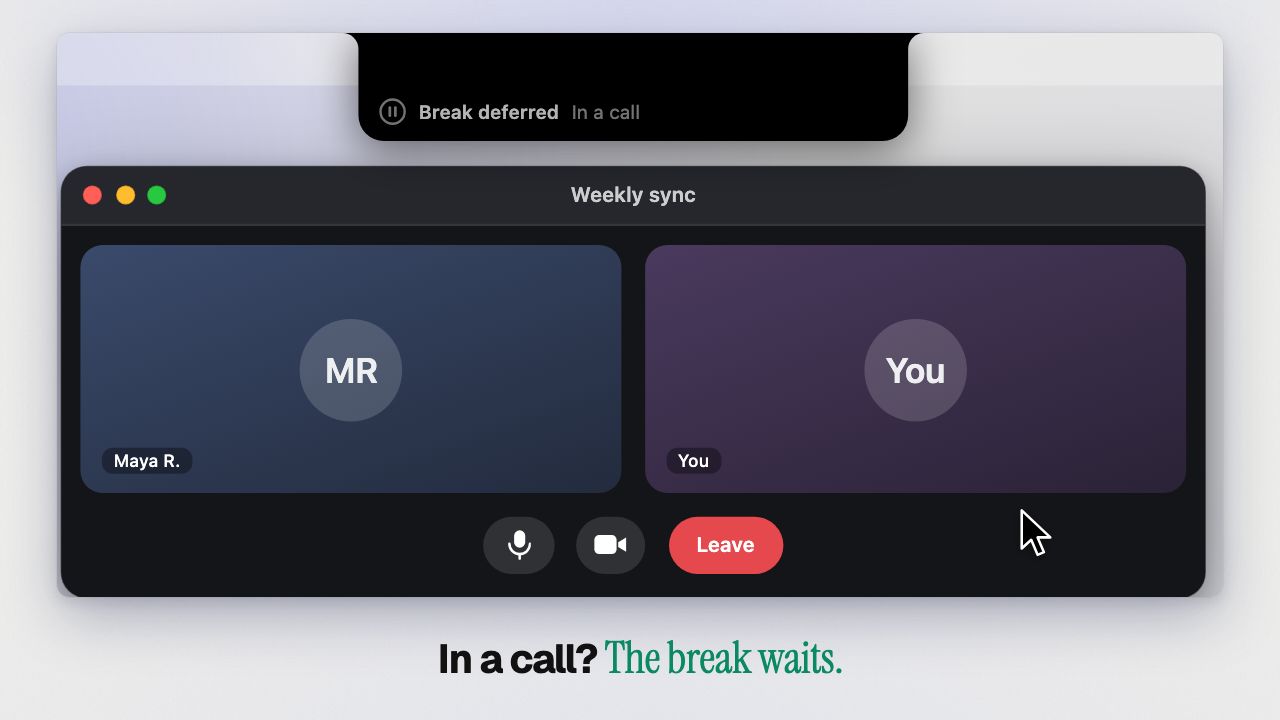
Break reminder apps for Mac: what macOS has, and what a good one does
macOS has no break reminder. What Screen Time can and can't do, the apps that fill the gap, and how Bodybreak waits for your typing and pauses during calls.
Read →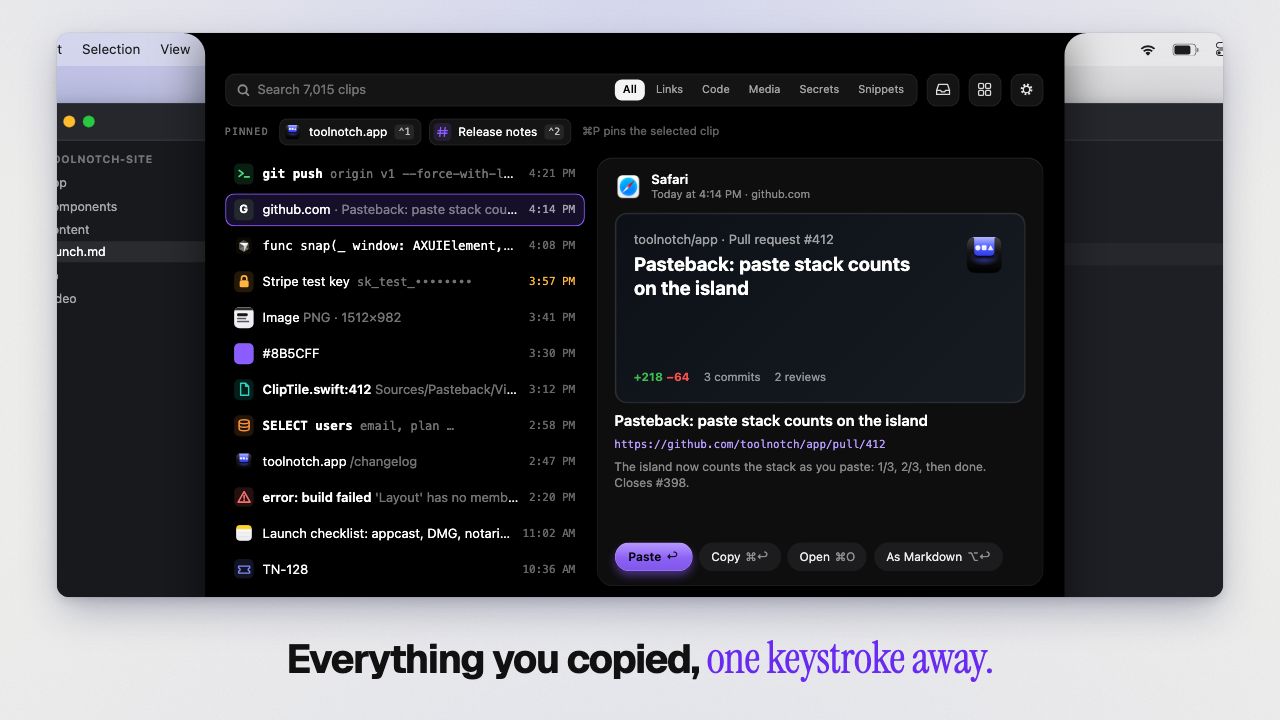
How to see your clipboard history on a Mac
macOS keeps one clipboard item, or a short plain-text history in Tahoe's Spotlight. How to see what you copied earlier, and how to keep months of it.
Read →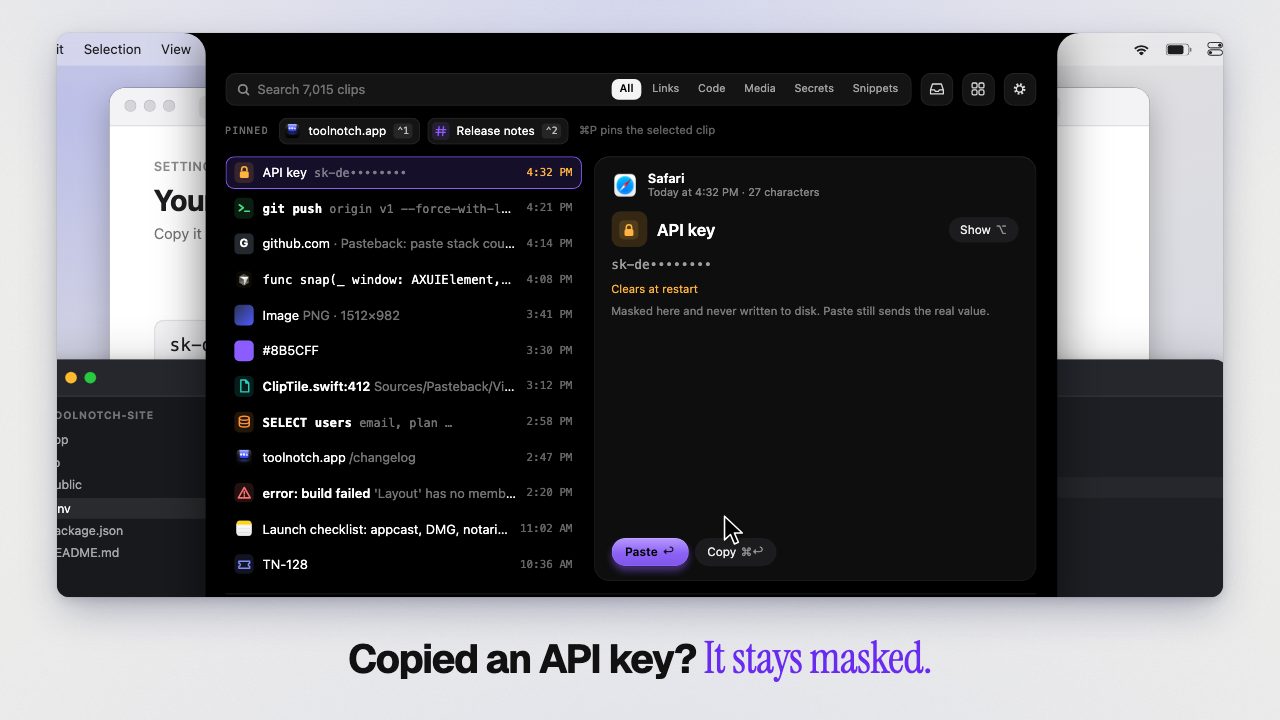
Is clipboard history safe for passwords and API keys on Mac?
A clipboard manager records everything you copy, passwords included, unless it filters them. What macOS does, what to check in any manager, and how Pasteback masks secrets.
Read →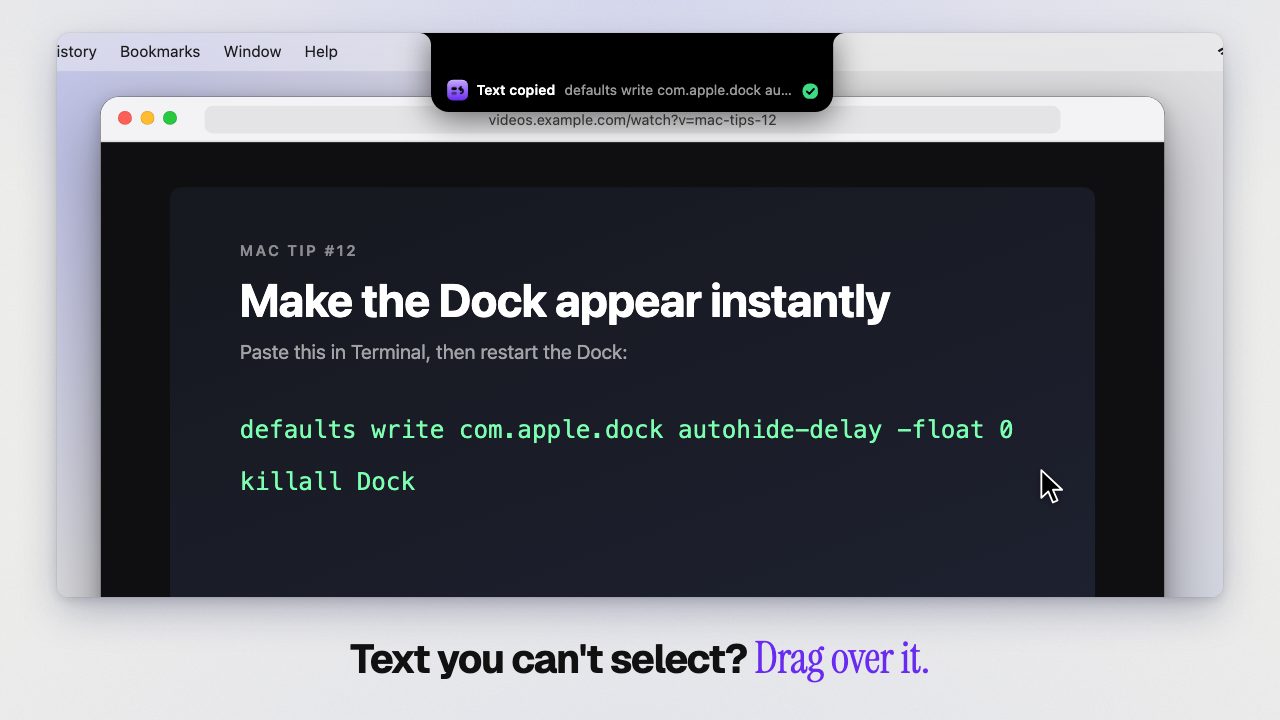
How to copy text from an image, video or screen share on Mac
Copy text you can't select on a Mac: in a screenshot, a photo, a PDF scan, a paused video or a shared screen. Built-in Live Text first, then one shortcut.
Read →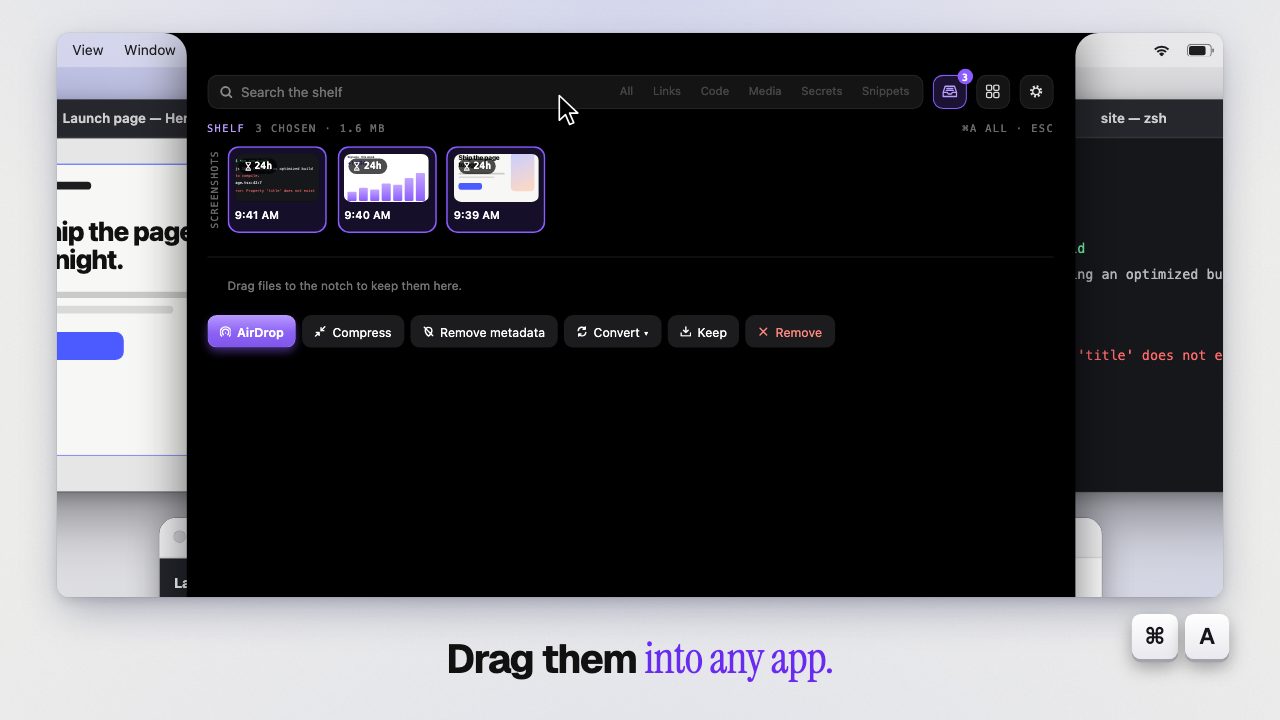
Where do screenshots go on Mac, and how to drag them into any app
Mac screenshots land on the Desktop by default. How to find them, drag one into Slack or Mail without opening Finder, and keep the last day's captures one drag away.
Read →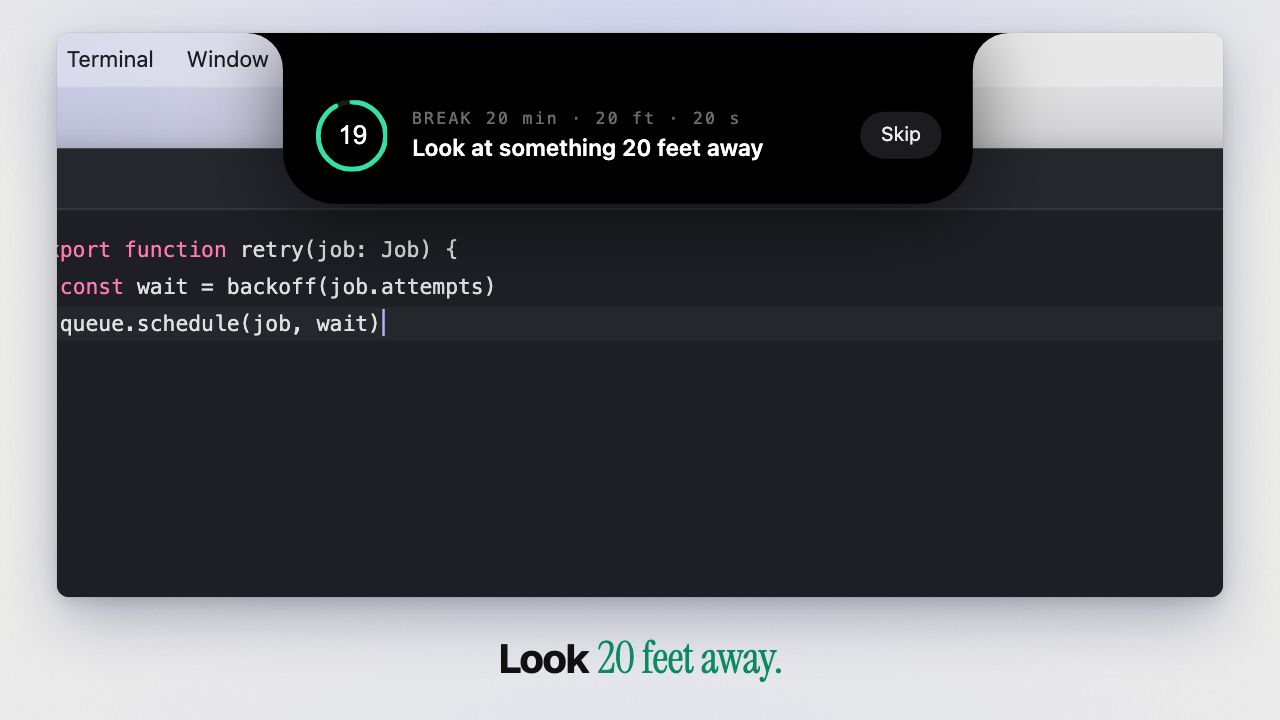
The 20-20-20 rule for eye strain: what it does, and what the evidence says
Why long screen sessions tire your eyes, what the 20-20-20 rule is, what studies actually found, and how to make the breaks happen on a Mac.
Read →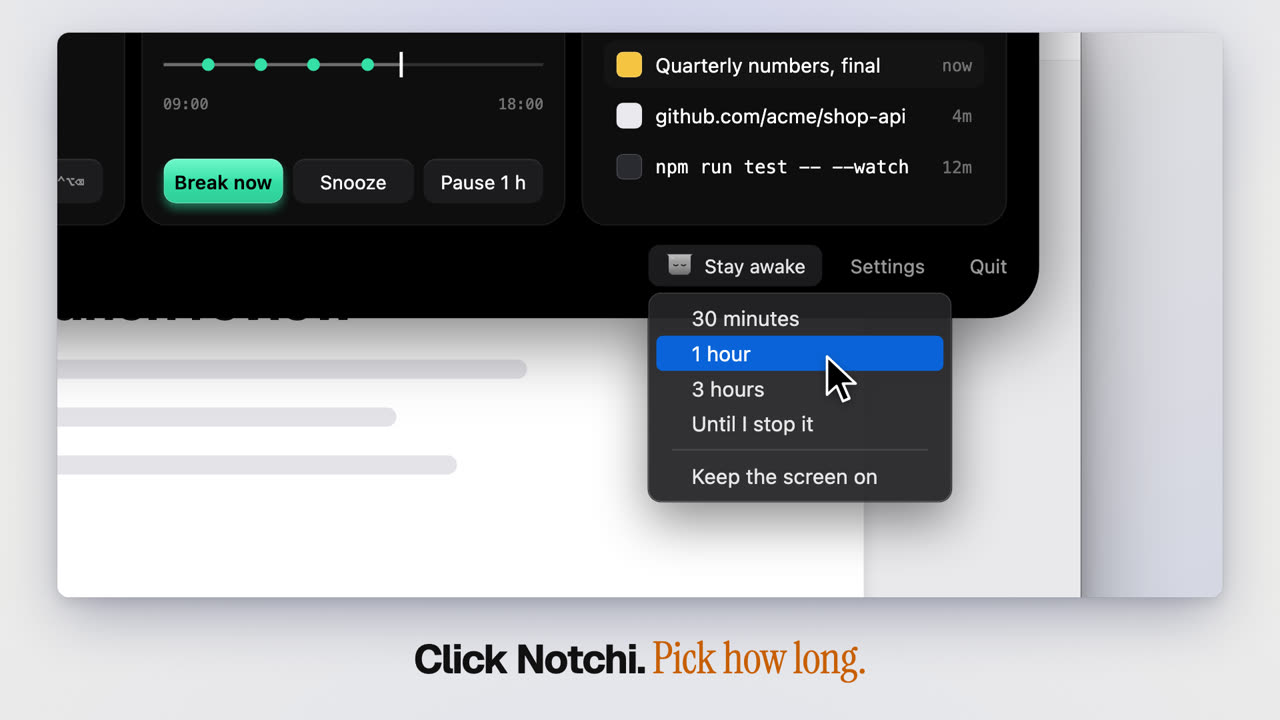
How to keep your Mac awake for 30 minutes, an hour or until you stop it
Keep a Mac from sleeping for a set time: the Energy settings, caffeinate -t in Terminal, and a two-click timer in the notch that a low battery stops.
Read →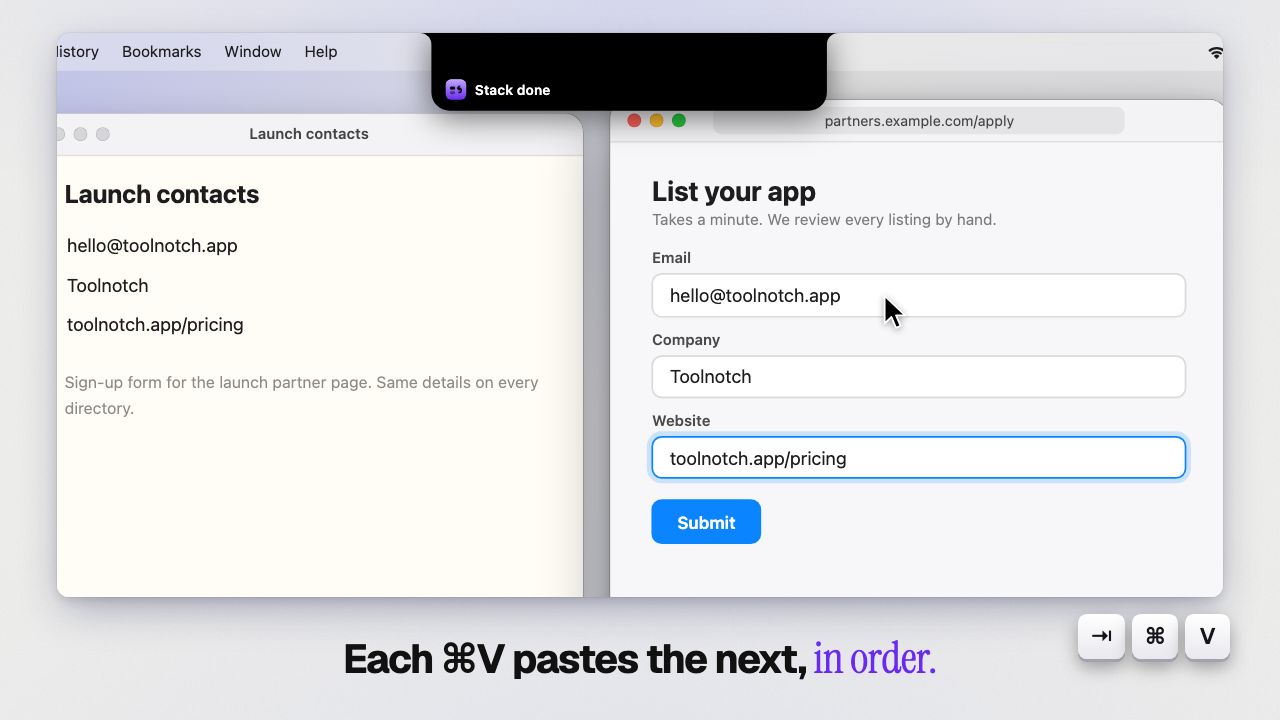
How to copy several things and paste them in order on a Mac
The Mac clipboard holds one item, so filling a form means switching windows for every field. How to copy several things at once and paste them one by one, in order.
Read →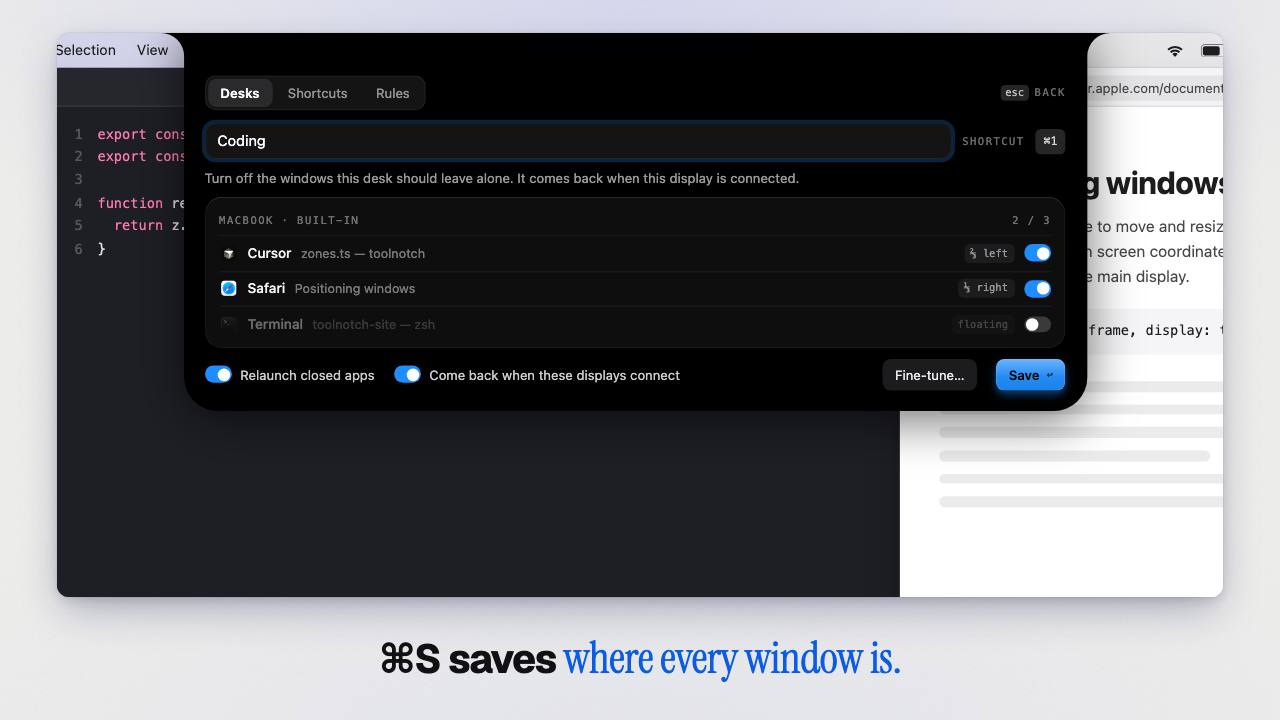
How to save and restore window layouts on a Mac
macOS can't save where your windows are. What the built-in options do, the apps that can, and how Toolnotch's desks save a layout with ⌘S and put it back with ⌘1.
Read →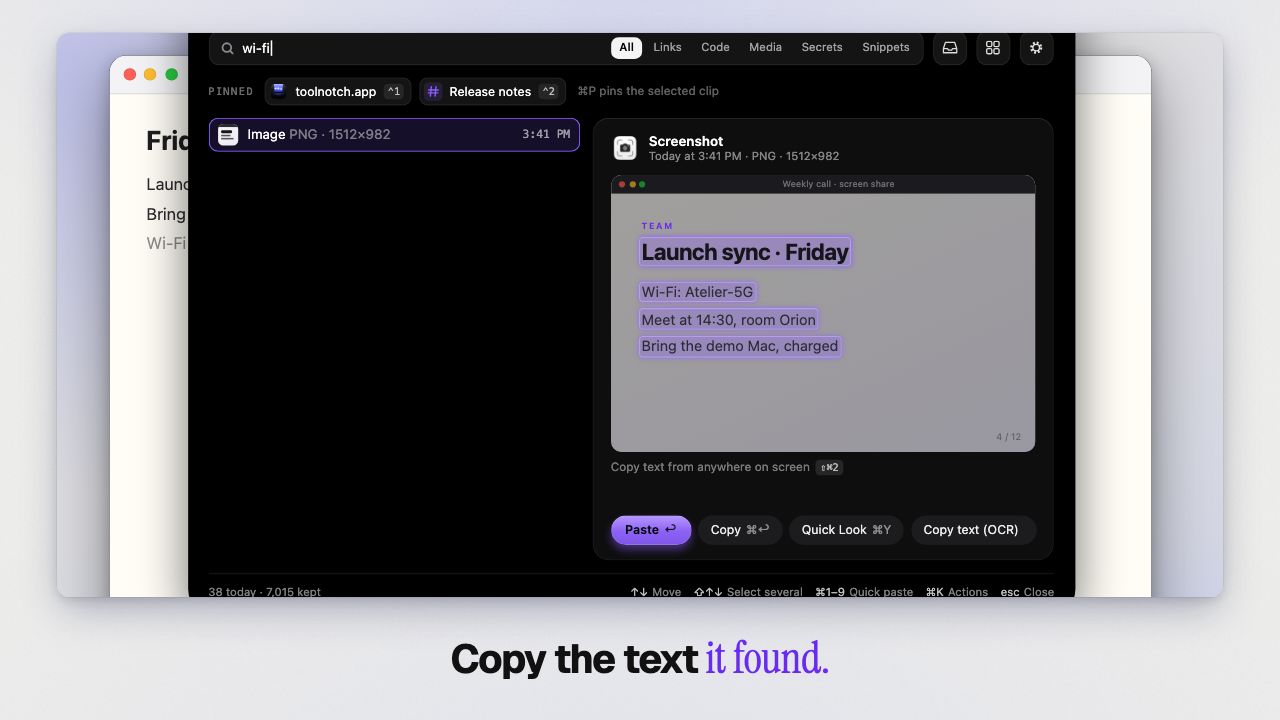
How to search the text inside your screenshots on a Mac
Find the screenshot that had the Wi-Fi password by typing a word that was in it. What macOS searches on its own, and a clipboard history that reads every image.
Read →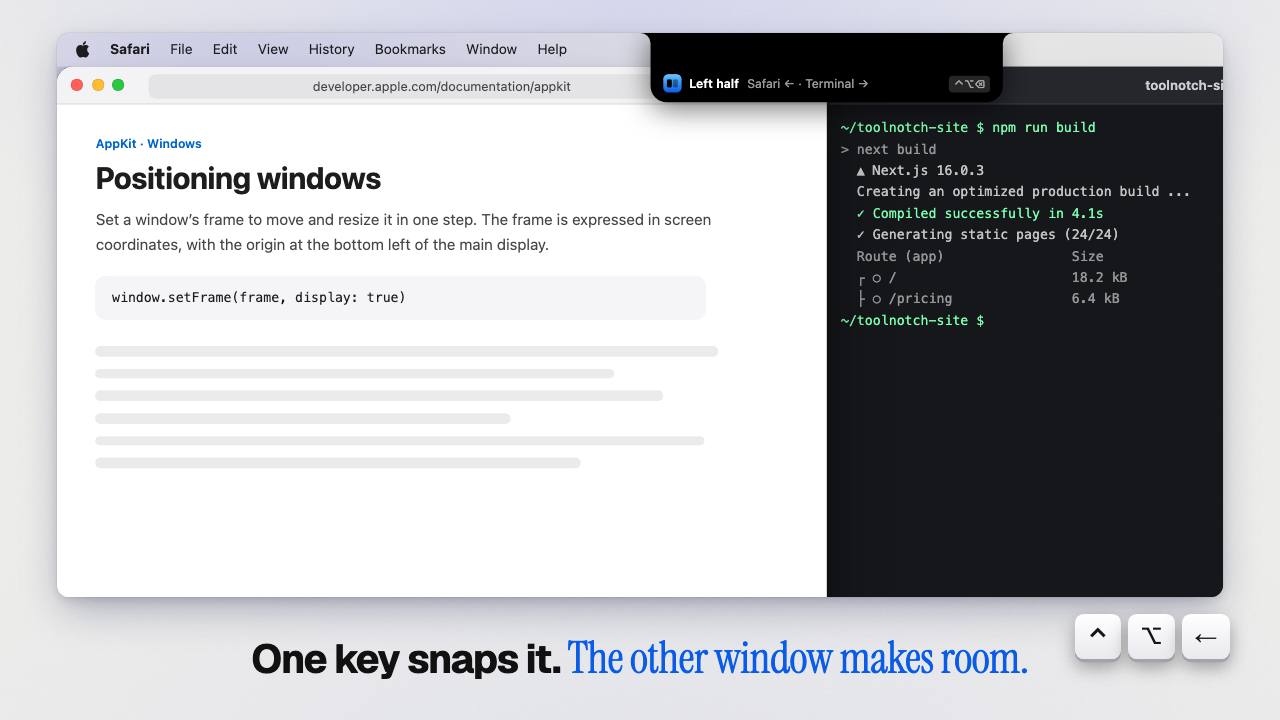
How to snap windows on a Mac with a keyboard shortcut
Snap a Mac window to half the screen with one shortcut: macOS's own keys since Sequoia, their limits, and a window manager that cycles halves, two-thirds and thirds.
Read →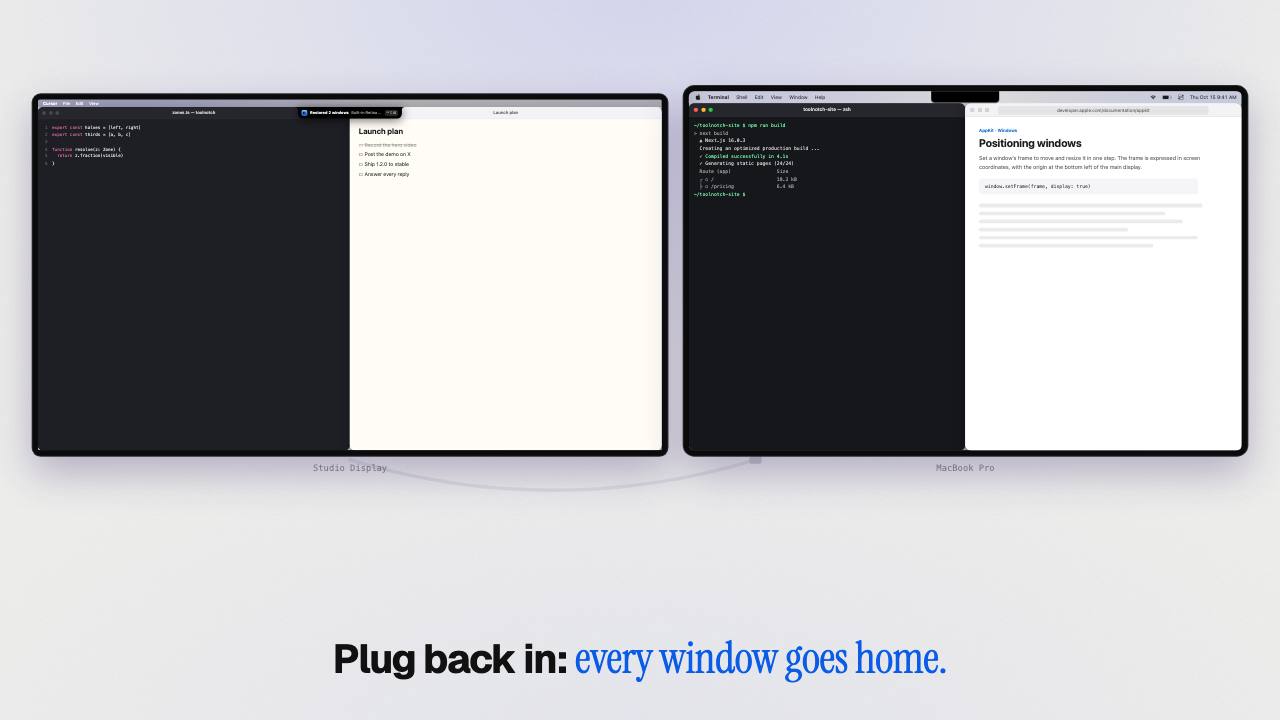
Mac windows move when you unplug a monitor: how to get them back
Unplug an external display and macOS piles its windows on your MacBook, and often leaves them there. Why, the free workarounds, and an automatic fix.
Read →